
Your representative
- Sign in to the portal.
- Look at the top of the page.
- Find Your representative. You see their name, phone and email.
- On Your projects there is also a Your representative box.
- Call or email them.
What this page is for: finding your representative (or your local franchise) to help you.
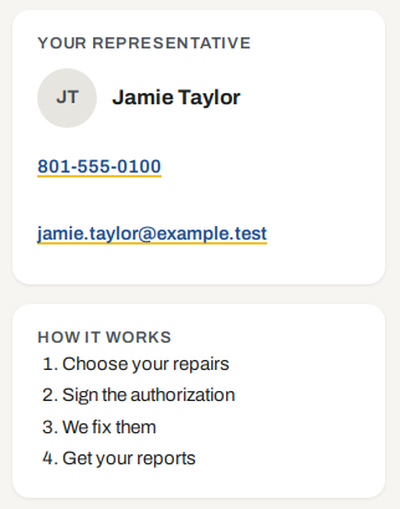
Some customers are looked after by a local PCC franchise. Then the top of the page also says Your local PCC franchise, with their name, phone and email. Call them, or your representative.

Call the number at the bottom of every portal page. It says Questions? Call and the number.
You can reply to any portal email. It goes to your representative when your project has one.
Can’t reach anyone? Call the number at the bottom of every portal page.