- On your project card, click See progress.
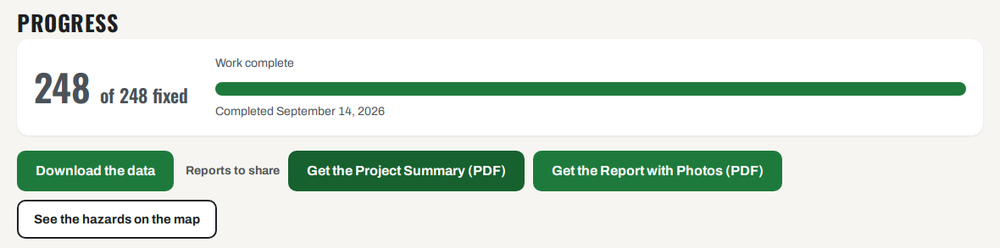
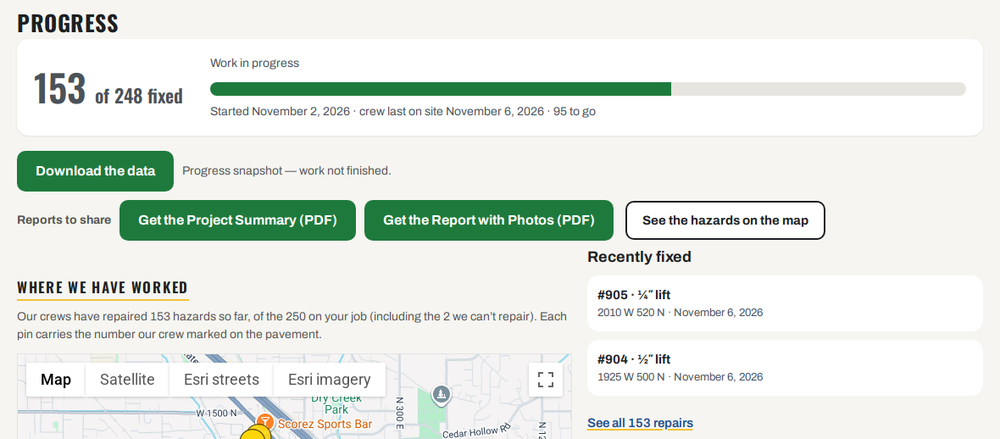
- The big number shows how many hazards are fixed. For example, 153 of 248 fixed.
- The green bar shows how far along the job is. Under it you see the dates, like November 6, 2026.
- The map under Where we have worked shows where our crews have been.
- Click See all … repairs under Recently fixed to see every repair.
- Open All the details: every hazard, inch-feet and dates to see the full list.
Your data and reports are here too. See Reports and downloads.